


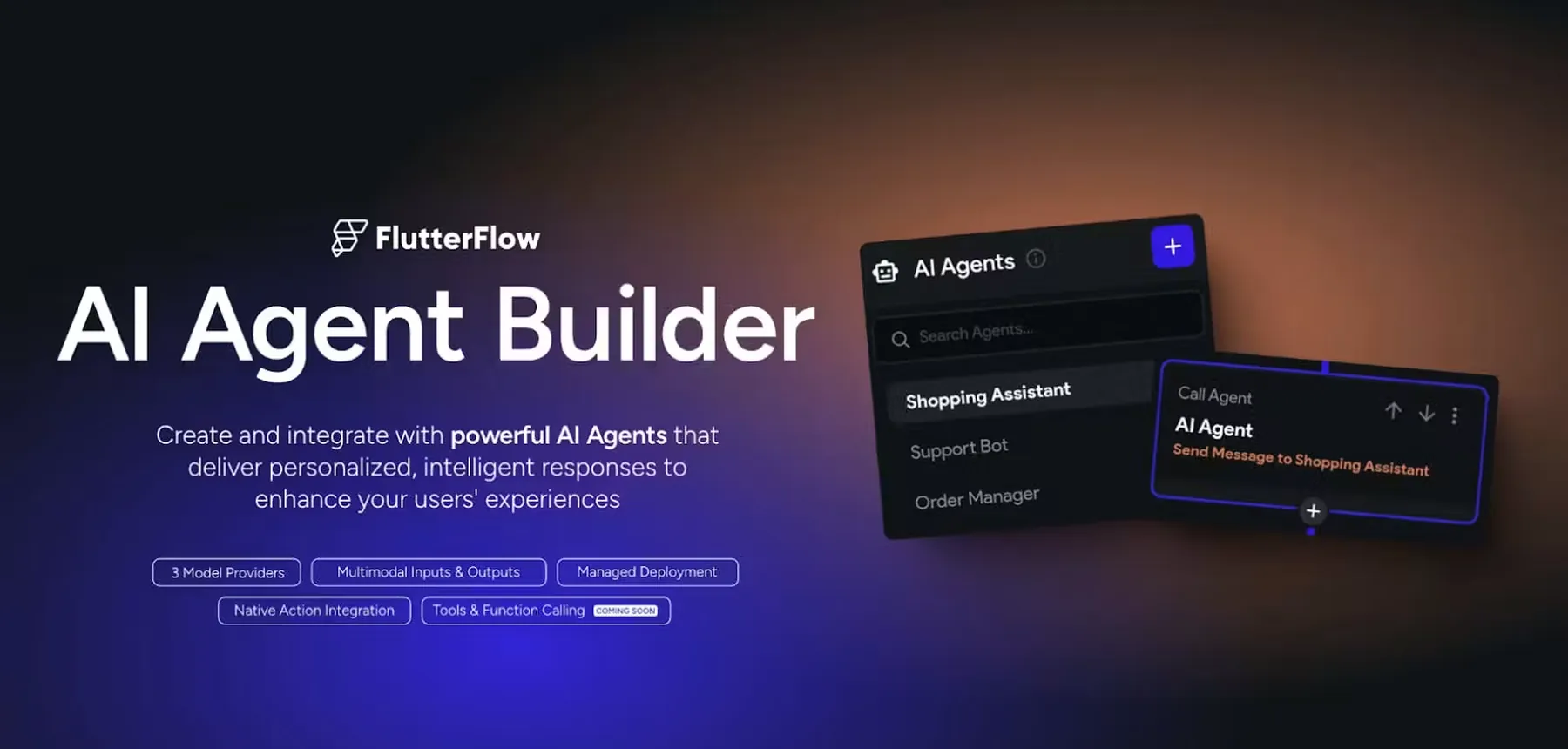
FlutterFlow Ships GenUI and MCP: Two Different Bets on AI
FlutterFlow shipped two significant AI capabilities within a fortnight, and they point in opposite directions — which is worth understanding before you adopt either.
GenUI: interfaces composed at runtime
Instead of hard-coding every screen and flow, you define components and action blocks, and an agent assembles them into interactive UI in response to what a user actually asks for. It inverts the usual model: you build the vocabulary, the agent builds the sentence.
This is genuinely useful where the interface space is large and sparsely used — admin tools, internal search, data exploration. It is a poor fit where the flow is fixed and the value is in the polish, like onboarding or checkout.
FlutterFlow MCP: your agent, their project
MCP support lets the AI coding agent you already use build and edit FlutterFlow apps. For teams that live in an agent-driven workflow, this collapses the context switch between the visual builder and everything else.
FlutterFlow also moved its AI page and component generators onto the same engine that powers the Designer, which shows in output fidelity — generated screens track the prompt more closely than the earlier generation did.
Our read
MCP is the safer adoption today: it accelerates work your team already does and the output is inspectable. GenUI is the more interesting bet, but it changes what QA means — you are testing a system that composes interfaces rather than a set of screens you can enumerate. Pilot it on an internal tool before it touches a customer-facing flow.